StudioOps
Budget
Real labor cost from Blueprint, milestones and other project costs.
What it isOverview
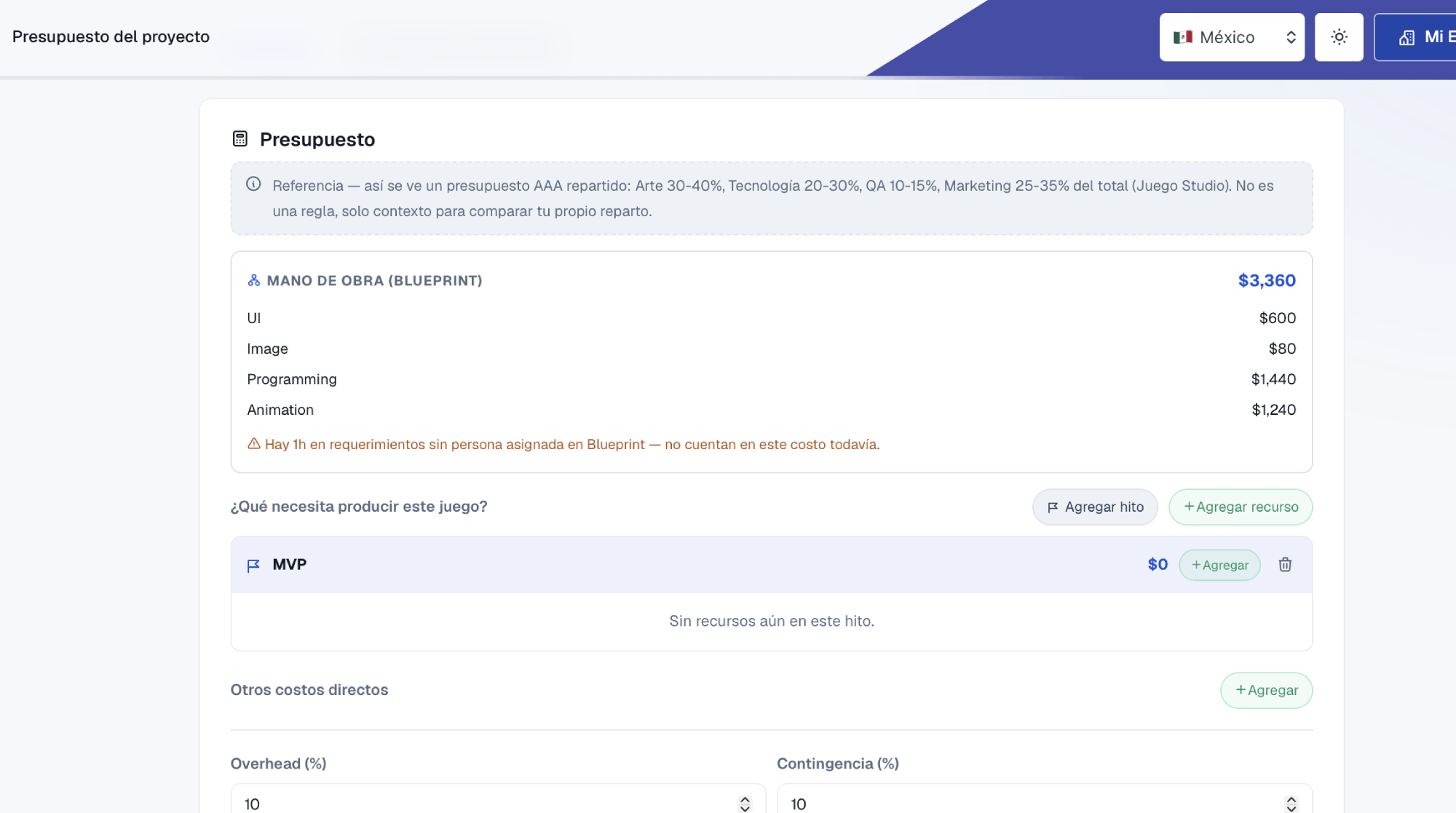
Budget calculates how much it costs to produce your game without entering everything twice. Labor comes straight from Blueprint (hours × each person's rate), and on top you add milestones, other direct costs, overhead and contingency. When you present the number to an investor you save it as the approved budget, and from there you compare against what you spend.
What it solvesProblems
| The problem | How it solves it |
|---|---|
| Quoting role by role by hand, and it not matching the plan. | Labor is calculated from Blueprint; if scope changes, cost changes. |
| Losing the number you gave the investor. | The approved budget stays fixed, with versions and the reason for each change. |
| Tasks with no one assigned that nobody is counting. | It tells you how many Blueprint hours still have no owner. |
How to use itHow to
- 1 Build the BlueprintWith hours and people assigned, labor shows up in Budget on its own.
- 2 Add milestones and resourcesMVP, demo, launch: each milestone with the resources it needs.
- 3 Add other costsLicenses, marketing, events, plus overhead and contingency as a percentage.
- 4 Approve and compareSave the approved version and compare it against the project's actual spending.
Try it with a real project
Every tool lives inside My Studio, connected to the same project.